The problem
An unassigned shift can disappear in a full weekly roster. Finding it after publication creates an urgent cover problem, while resolving it in a draft gives the manager more options.
Weekli’s approach
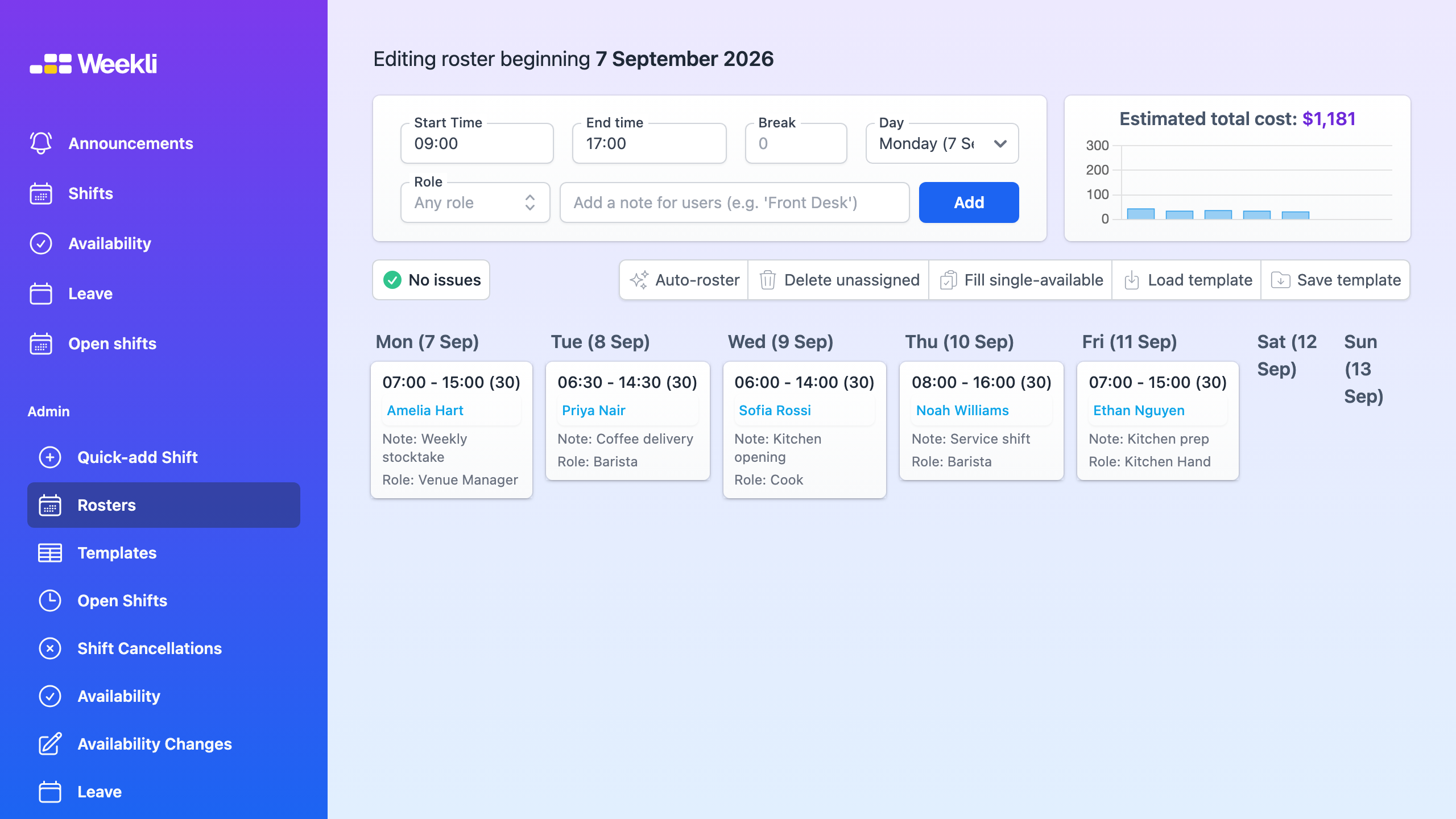
Weekli shows an issue indicator in the draft roster so managers can focus on shifts that are unassigned, have no available people or are missing cost information. The manager can correct an assignment, revise the shift, offer it as an open shift, or deliberately leave it unassigned while planning continues.
The same review applies after auto-rostering: suggestions accelerate the first pass, but visible issues make it clear where human judgement is still needed. Publishing remains a deliberate manager action.
Read the rosters guide for the complete workflow.